A new open source Windows app bundles console access, file editing, live analytics, Modrinth plugin installs and scheduled backups into one clean desktop tool. No more wrestling with terminals or scattered scripts just to host locally.
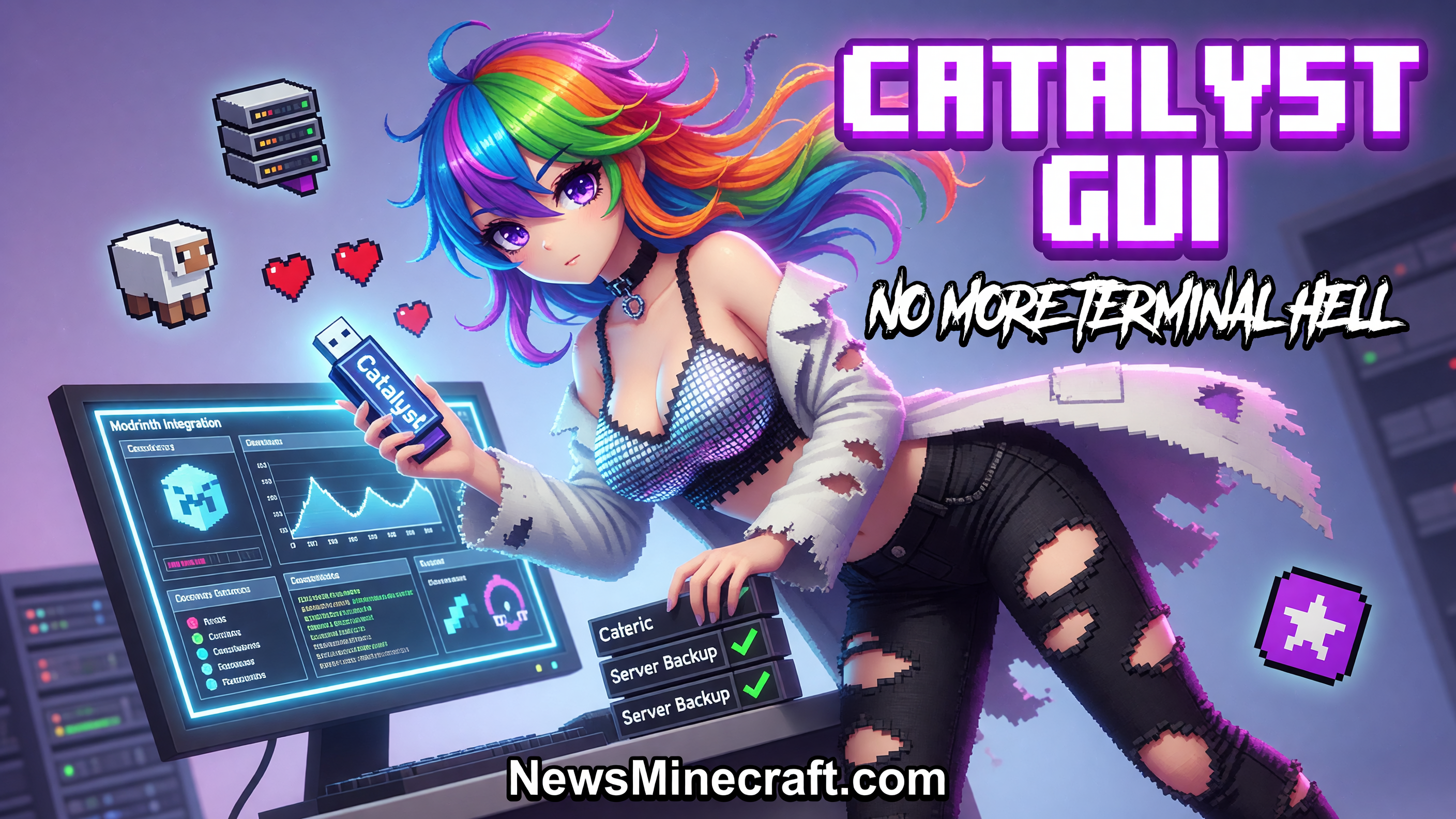
Running a local Minecraft server has always been more friction than fun. You juggle Java versions, edit config files in Notepad, watch console spam in a terminal window and hope your backup script actually worked. A new project called Catalyst wants to kill that workflow.
What the app actually does
- Unified dashboard with live TPS, memory usage, player count and console output
- Built in support for downloading Java runtimes and managing multiple servers
- Direct file browser and in app editing for configs, whitelists, bans and plugins
- Scheduled backups with easy restore points
- Modrinth integration for searching and installing plugins and mods without leaving the app
- ngrok tunneling for quick public sharing of your local server
The app stays local by default. It works with folders you already have, does not upload your worlds anywhere, and gives you visible recovery options if something breaks. Setup is described as download, point at a folder, and start. That alone puts it ahead of most community tools that expect you to be comfortable with PowerShell or Linux.
For smaller SMPs, content creators testing mods, or anyone who just wants to spin up a quick server for friends without fighting documentation, this fills a genuine gap. Whether it gains traction depends on how stable the UI proves under real load and how quickly the developer responds to early bug reports.
Built to make minecraft server hosting easy with a great UI.
The project is fully open source. You can audit the TypeScript code, open issues, or contribute if the current feature set misses something you need. Early metrics show low stars so far, which is normal for a brand new public launch.
Other
Other