TL;DR: Since 26.4 Snapshot 1, the Graphics API setting “Default” behaves like “Prefer Vulkan”. Iris is OpenGL-only, so on Vulkan your shaders simply turn off. Three ways out: switch the Graphics API back to OpenGL and keep using Iris (the most reliable), try Vitrail, a beta mod that runs OptiFine-format packs like BSL, Complementary and Bliss on Vulkan, or use Vulcade for lighter post-processing effects on Vulkan.
- 26.4Version where Vulkan becomes the default
- 0Iris shader packs that run on Vulkan
- 67K+Vitrail downloads on Modrinth
- 3Ways to get shaders back
Why your shaders turned off
Mojang started testing a Vulkan renderer in 26.2 and, in 26.4 Snapshot 1 (September 22), made the “Default” Graphics API setting behave the same as “Prefer Vulkan”. The same notes say the game no longer switches the setting back by itself after a startup crash. 26.4, the Deep Freeze drop, is expected in December, so most players will hit this the day they update.
Every shader pack you know was written for OpenGL. Iris is OpenGL-only, so with Vulkan active, shaders simply turn off rather than crash. Nothing is broken; you are just on the wrong renderer for your mod.
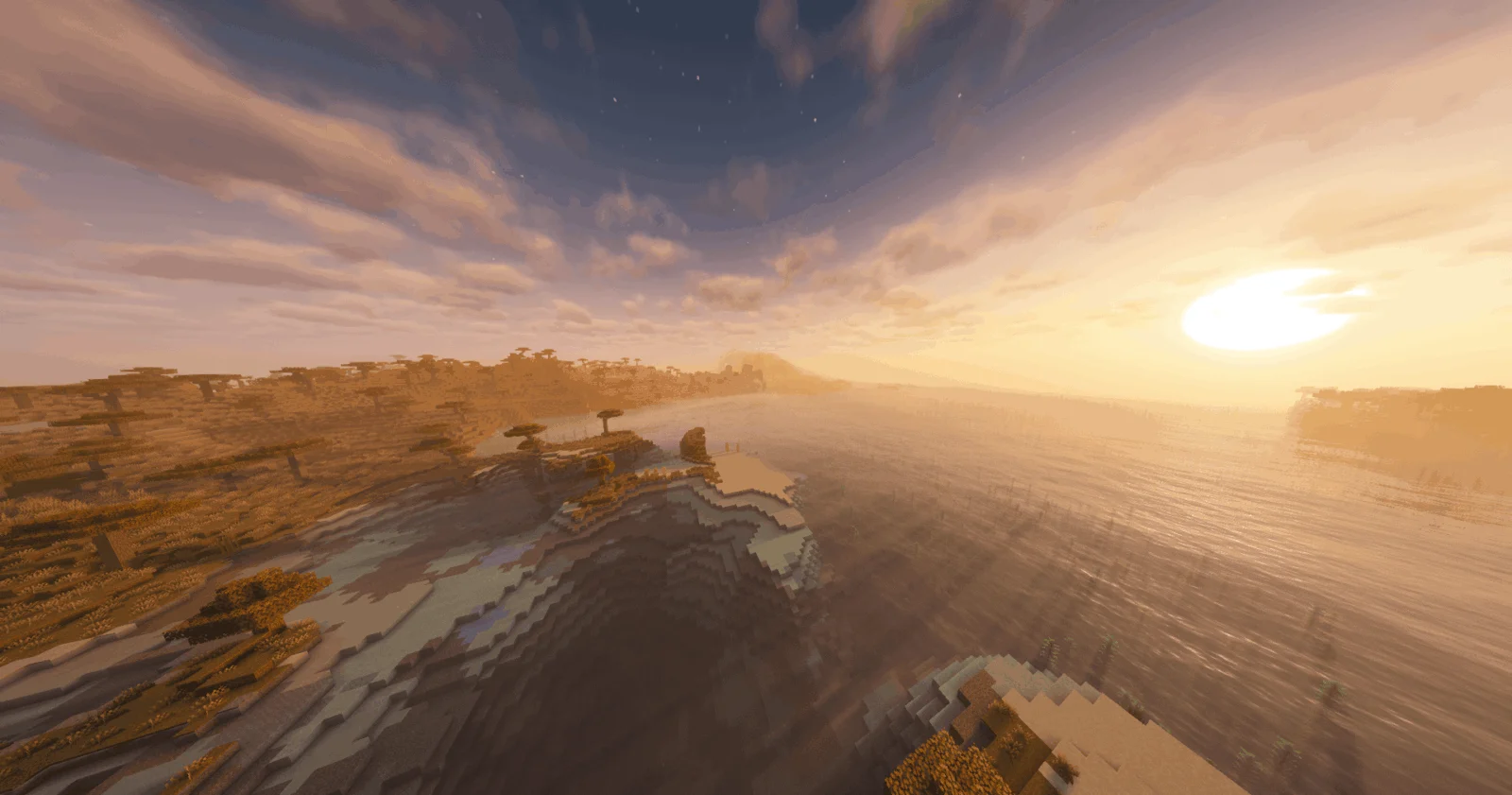
Your options at a glance
| Option | Runs your packs? | Renderer | Best for |
|---|---|---|---|
| Switch back to OpenGL + Iris | Yes, all of them | OpenGL | Anyone who wants shaders to just work |
| Vitrail | Most popular packs (beta) | Vulkan | Players who want Vulkan and real shader packs |
| Vulcade | No, its own effects only | Vulkan or OpenGL | A lighter glow-up without a full pack |
Fix 1: switch back to OpenGL (recommended)
- Open Options → Video Settings and find Graphics API.
- Set it to OpenGL and restart the game; the renderer is chosen at launch.
- Make sure Iris (with Sodium) is updated for your Minecraft version, then pick your pack in Shader Packs as usual.
Fix 2: run real shader packs on Vulkan with Vitrail
- Install Fabric or NeoForge. Vitrail currently lists Minecraft 26.2 and 26.3; wait for a 26.4 build before updating.
- Drop the client-only Vitrail jar into your
modsfolder. Iris can stay installed next to it. - Put your packs in
shaderpacks/; download them from Modrinth shaders or the pack’s own page. Vitrail bundles none. - Set Graphics API to Prefer Vulkan and restart.
- In game, press
Ito pick a pack,Rto reload andKto toggle. Lower the Render Scale slider if your frame rate drops.
Vitrail translates each pack once when it loads, so there is no per-frame translation cost. Its tested list includes Bliss, BSL, Complementary Reimagined and Unbound, Euphoria Patches, Photon, Sildur’s Vibrant and Solas. It is still a beta: the project itself says some packs render incorrectly and treats Iris on OpenGL as the reference. Distant Horizons works with packs that have DH support.
Fix 3: Vulcade, a lighter Vulkan glow-up
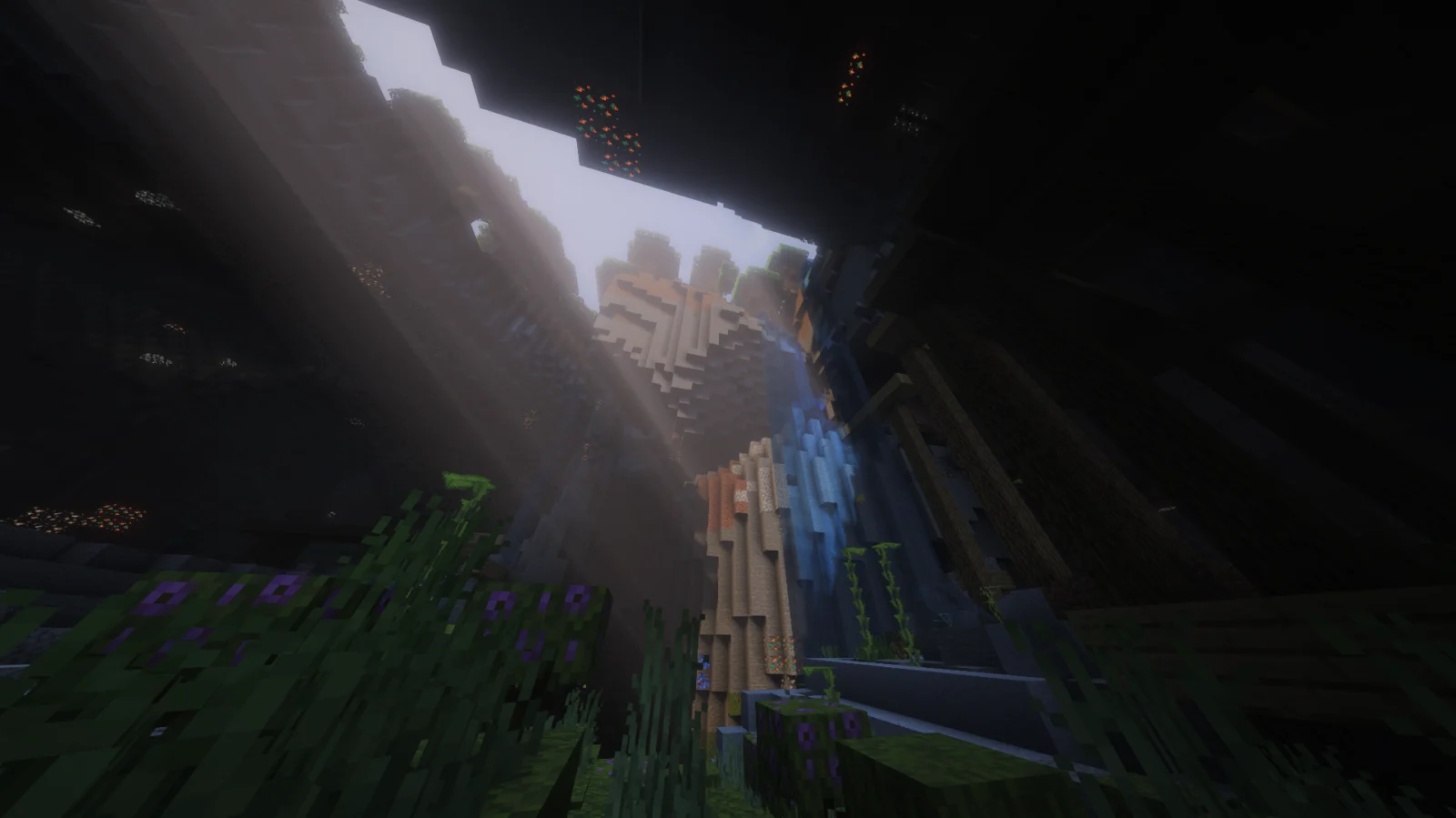
Vulcade adds its own bloom, sun glare, light shafts, ore glow and per-dimension looks through Minecraft’s post-effect system, so it works on Vulkan and OpenGL. It does not load Iris or OptiFine packs and has no shadows, reflections or water waves. It is small (Fabric, 26.2), but a nice option on weaker PCs.
Also worth a look: Sulkan is a client-side Fabric mod built on Sodium that adds native Vulkan shaders with its own built-in “Realistic” pack, including shadows, water, clouds and bloom (Minecraft 26.2, Vulkan-capable GPU required). It does not run Iris or OptiFine packs. Playing through Lunar Client? Lunar forces OpenGL, one Vulkan pack author notes, so Vulkan options won’t apply there.
What comes next
According to one modpack author, Iris itself won’t gain Vulkan support; instead, a separate Vulkan shader mod called Aperture is in development. There is no public release yet. Until then, OpenGL plus Iris is the safe choice, and Vitrail is the one to watch. For everything else in the update, see our 26.4 Deep Freeze guide.
More PC performance guides on our Vulkan hub.
Related: Best Minecraft Performance Mods 2026: Sodium, Lithium, FerriteCore and the Vulkan Catch