Punch a log in Minecraft 26w14a and it doesn’t go into a slot. It pops out as a living log block with its own health bar and AI, then waits for orders. That is the whole joke of the Herdcraft Update, Mojang’s April Fools snapshot released on April 1, 2026. Like most good April Fools snapshots, it’s a silly idea that’s surprisingly deep once you start playing.
- 26w14aSnapshot ID, a fork of Java 26.1.1
- 0Inventory slots: the item grid is gone
- 8Hotbar commands to run your herd
- JavaOnly edition that got it
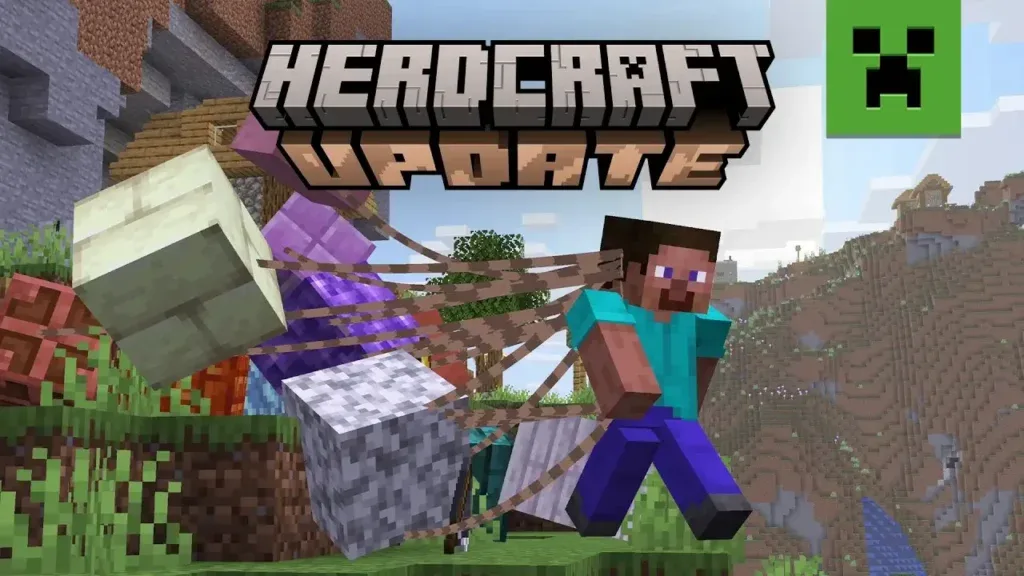
Why it’s special
- Your loot is alive. Broken blocks and collected items become mobs. They can be hurt, can wander off, and hostile mobs can destroy them.
- Crafting happens on the ground. You drop a 2×2 grid in the world, walk your ingredients onto it and click the floating crafting table.
- Blocks have jobs. According to Gameversify’s rundown, living chests swallow nearby blocks to store them, living furnaces smelt without fuel, and living end portal frames can walk together to form a portal.
- It has a full advancement tree. A new HerdCraft tab starts with “Mine a Block”: punch a block until it comes alive (Minecraft Wiki).
- It keeps the old naming. Every other 2026 snapshot uses Mojang’s new version format, but this one is still called 26w14a.
Every herd command on your hotbar
Your hotbar holds commands instead of items. Guides from Sportskeeda and GamingProMax list the full set:
| Command | What it does |
|---|---|
| Punch | Breaks a block. The drop becomes a living entity instead of an item. |
| Follow Me | Right-click to pick an item and left-click to leash it to you. Shift and right-click lets it go. |
| Move | Sends selected items to a spot you click. |
| Attack / Mine | Points a weapon or tool at a mob or a block. The item does the fighting or digging for you. |
| Craft | Places a 2×2 crafting grid on the ground. Four planks make a crafting table, which unlocks the 3×3 grid. |
| Build | Turns living blocks back into normal placed blocks where you choose. |
| Highlight | Shows which items in the world are still alive and which have been placed or used up. |
| Group / Ungroup | Colour-codes items into groups so you can command a whole squad at once. |
The hard part: keeping your herd alive
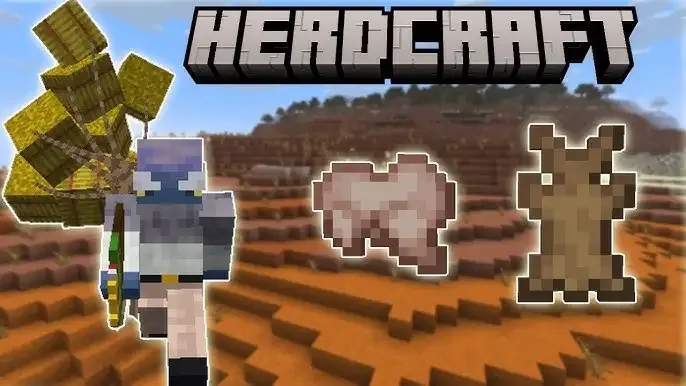
The real challenge is keeping track of everything you own. Items don’t teleport back to you, and there is no “find my item” button. If you sprint across a ravine, half your herd gets stuck on the far side. Zombies will happily attack your iron ingots. Hunger still works too, so your food has to come along with you.
What worked best for players:
- Only break what you need. Every extra block is another mob to keep an eye on.
- Group by job: building blocks, tools, food and valuables, each in its own colour.
- Park the herd in a walled, well-lit pen before you go exploring, so mobs can’t pick it apart.
- Bring a friend. In multiplayer, one player herds while the other mines or builds.
Creators pushed it a long way. Within days there were videos of full survival runs to the End, with players steering a herd of tools and blocks through the Nether and into the dragon fight.
How to play Herdcraft today
- Open the Minecraft Launcher and go to Installations.
- Turn on Snapshots, then create a new installation using version 26w14a.
- Start a new world. April Fools snapshots can corrupt older saves, so never open your main world in one.
It’s Java Edition only and was never coming to Bedrock. It’s a standalone joke: nothing from it is planned for the main game, including the 26.1 Tiny Takeover drop it was forked from.
How it compares with past April Fools snapshots
| Year | Snapshot | The joke |
|---|---|---|
| 2022 | 22w13oneBlockAtATime | You can carry only one block at a time |
| 2023 | 23w13a_or_b | Players vote on rule changes in-game |
| 2024 | 24w14potato | The Poisonous Potato Update and a potato dimension |
| 2025 | 25w14craftmine | Craftmine: craft your own mine dimensions |
| 2026 | 26w14a | Herdcraft: no inventory, every item comes alive |
Not every fan was won over. A popular Reddit breakdown argued that Herdcraft felt smaller than the full prototype-style jokes of recent years. Some readers suspected the team was focused on the summer drop, but Mojang never commented on the snapshot’s size. Others said that was the point: a tight, low-bug joke you could pick up in five minutes.
What’s next
Herdcraft stays in the launcher like every past April Fools snapshot, so you can go back to it whenever you like. Mojang has never brought an April Fools mechanic straight into the main game. Still, the living-block AI is the most detailed mob-control system Mojang has ever shipped, even in a joke, and that’s worth remembering.