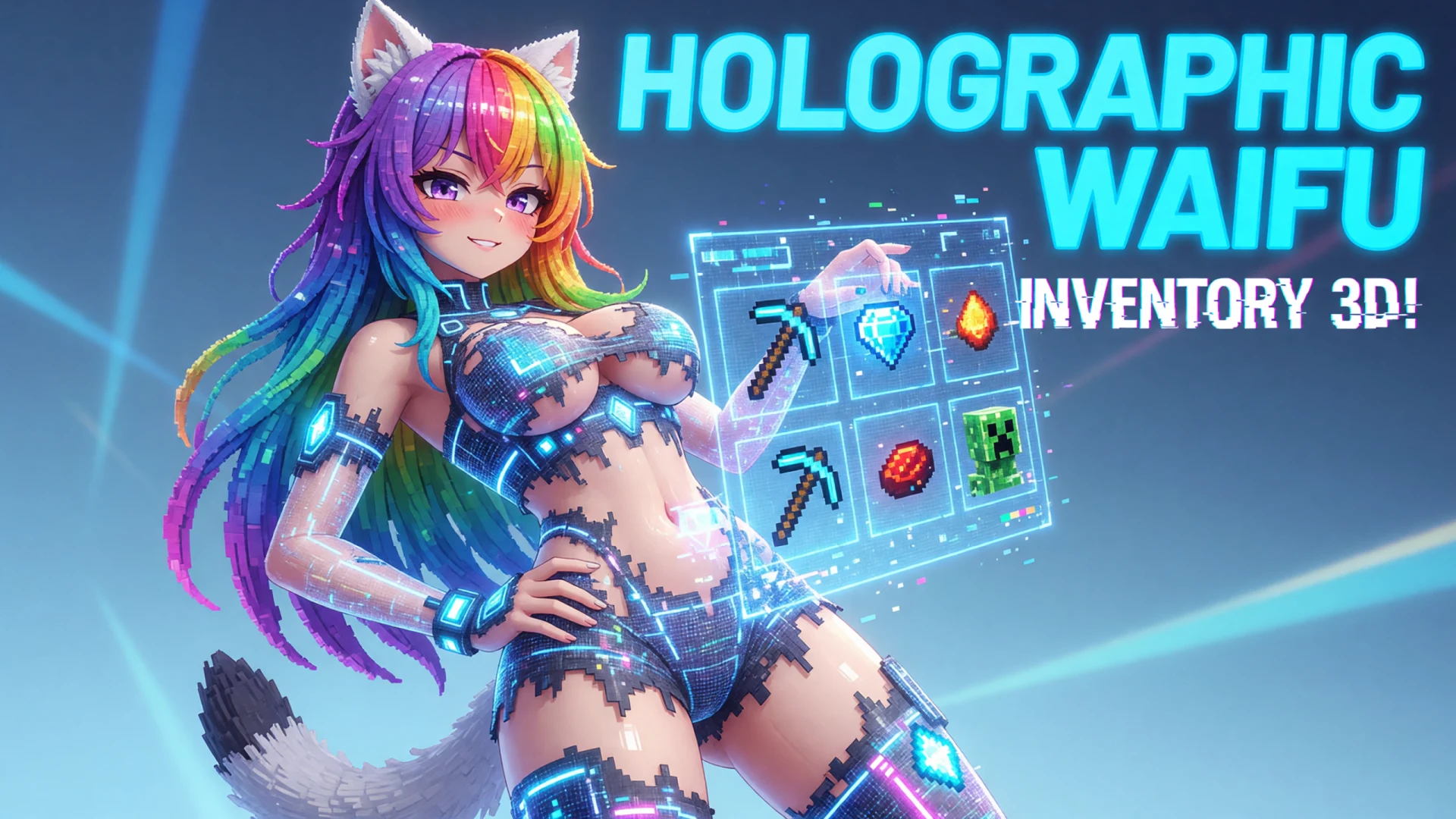
For fifteen years, opening a chest or sorting an inventory in Minecraft Java Edition has meant slamming a flat, gray 2D bitmap across the middle of your screen. Modder tastytrash decided that flat window overlays belong in 2011, releasing rapid weekend updates to Spatial GUI, a client-side mod that projects your inventories into floating 3D panels directly within the game world.
Inspired by Dead Space‘s diegetic interfaces, the mod suspends container interfaces, crafting grids, and your hotbar inventory as customizable spatial planes. Instead of freezing your gaze behind a paused screen, you can inspect your stash from first-person or through an over-the-shoulder third-person camera.
The latest updates (versions 1.7 through 1.7.2) overhaul the foundational plumbing that usually breaks immersive interface mods:
- Raw Mouse Redirection: Completely rewrote cursor handling to track directly on the angled 3D plane, preventing cursor drift and restoring compatibility with mods like Inventory Interactions.
- Vulkan & Renderer Stability: Fixed rendering conflicts with VulkanMod and patched NeoForge GUI rendering drops where container contents vanished.
- Roughly Enough Items Integration: Resolved widget and tooltip layering that previously flattened REI elements onto your monitor instead of the in-world plane.
- Depth & Optics: Introduced background world blur, configurable FOV overrides to stop fish-eye stretching at wide angles, and automatic camera perspective switching.
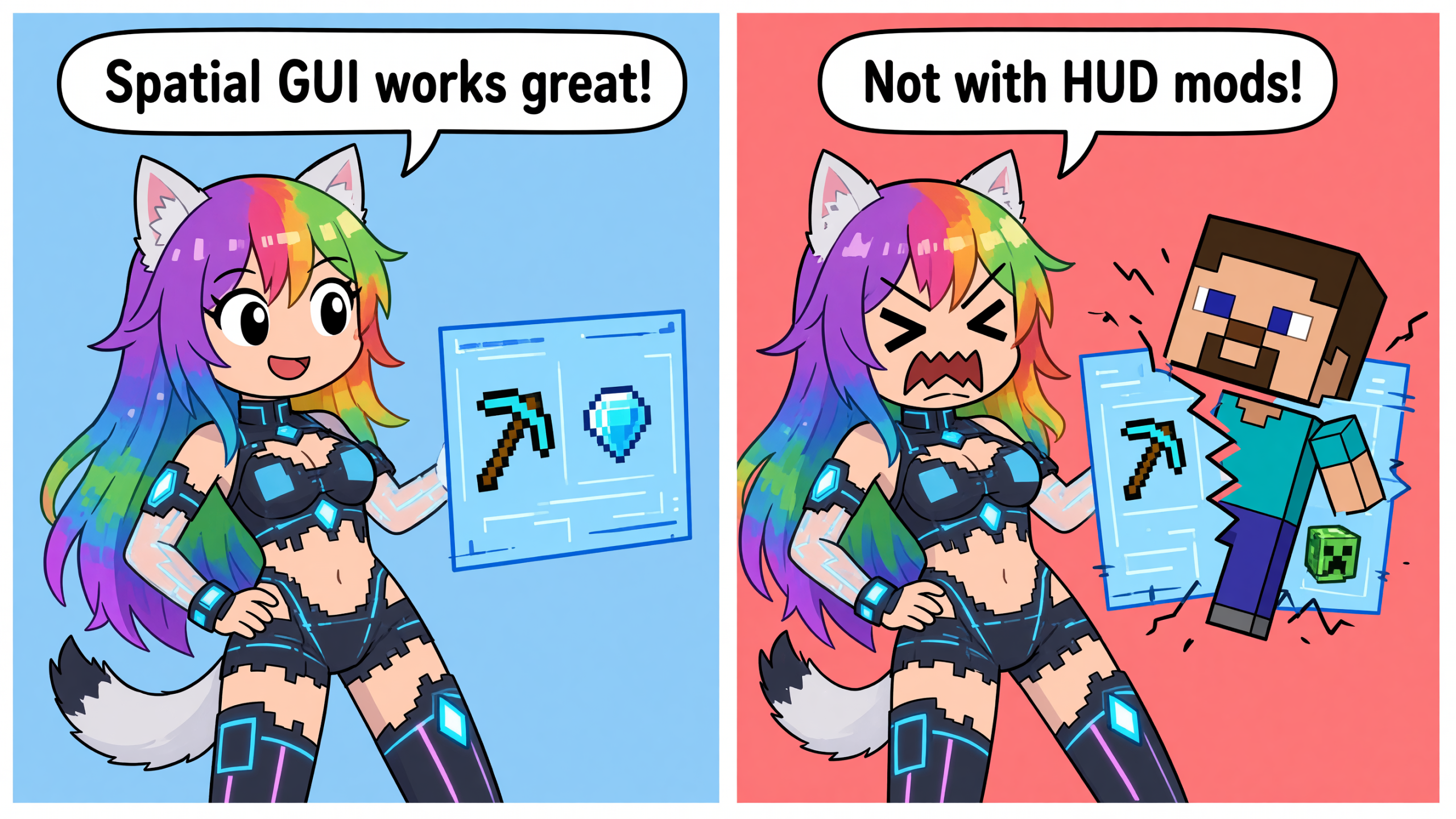
The primary catch comes down to complex HUD mods. Because Spatial GUI fundamentally alters camera projection and screen matrices, heavily customized GUI frameworks or picture-in-picture mods can clash if not added to the mod’s inclusion/exclusion whitelist. If you want to try it, builds are live across Fabric and NeoForge for modern versions, giving players on vanilla servers a sleek excuse to ditch the 2D pause menu.
Source